
I figured I would start this discussion with some helpful tips on Inbox management.
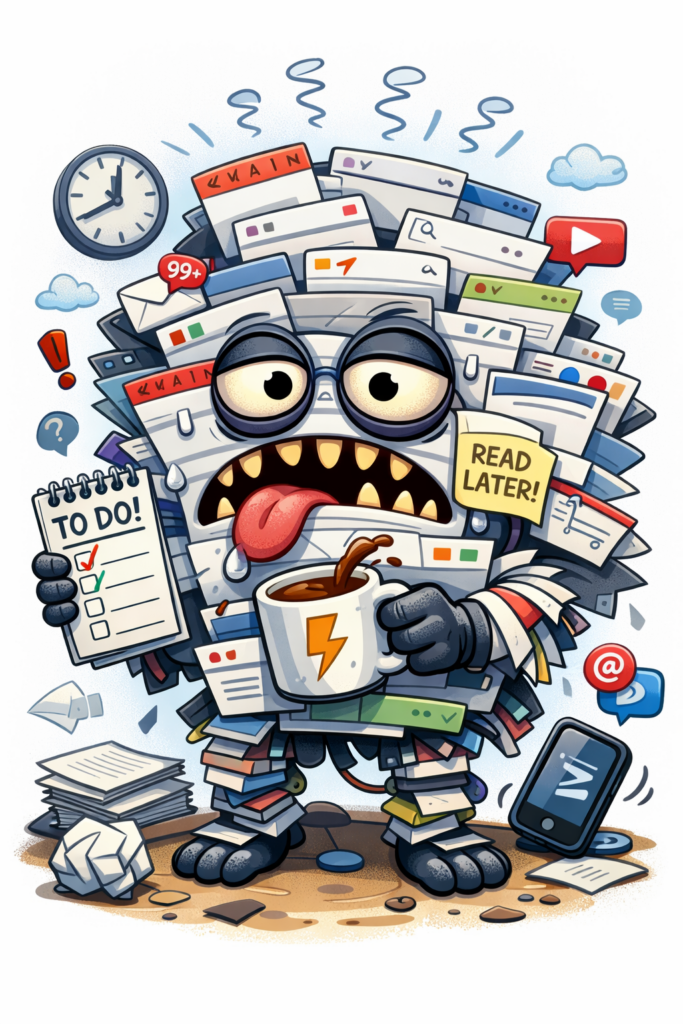
In today’s digital age, managing an overflowing inbox has become an essential skill. Whether you’re a professional juggling dozens of emails daily or a student trying to stay on top of assignments, having an organized email system is critical for productivity and peace of mind. This guide explores practical strategies to help you master email organization and reclaim control of your inbox.
Why Email Organization Matters
Emails are a primary mode of communication for both personal and professional interactions. An unorganized inbox can lead to missed opportunities, overlooked deadlines, and unnecessary stress. By implementing effective email management techniques, you can boost your productivity, ensure timely responses, and maintain a clear headspace.
How to Tame an Overwhelmed Inbox
- Assess Your Current Email Situation
Before jumping into solutions, evaluate the state of your inbox. Are there hundreds or thousands of unread emails? Do you find it hard to locate important messages? Understanding where you stand will help you tailor your organization strategy.
- Create a Filing System
A well-structured filing system is the backbone of email organization. Use folders and labels to categorize emails. For example:
- Work: Separate folders for projects, clients, and team communications.
- Personal: Categories like bills, subscriptions, and personal correspondence.
- Archives: For emails you want to keep but don’t need to access regularly.
- Unsubscribe from Unimportant Emails
Over time, we all accumulate subscriptions to newsletters or promotional emails we no longer find useful. Dedicate a day to unsubscribe from these clutter-inducing emails. This step alone can significantly reduce the daily influx of non-essential messages.
- Use Filters and Rules
Most email platforms allow you to set up automatic filters or rules. For instance:
- Emails with specific keywords can go directly to certain folders.
- Newsletters can bypass your inbox and move into a ‘Read Later’ folder.
- Prioritize Your Inbox
Sort your inbox by priority. Many platforms allow you to mark emails as important or star them. Keep high-priority messages at the top for quick access.
- Adopt the Inbox Zero Method
The Inbox Zero method encourages clearing your inbox every day. It doesn’t mean deleting everything but categorizing your emails into actionable folders (e.g., To-Do, Waiting for Response, or Completed).
- Set Dedicated Email Times
Avoid the temptation to check your emails constantly. Instead, set specific times during the day to read and respond to emails. This habit minimizes distractions and boosts focus on other tasks.
- Use Email Management Tools
There are several tools available to enhance email organization. These tools provide features like snoozing emails, scheduling responses, and integrating task management systems.
Maintaining an Organized Inbox
- Weekly Inbox Reviews
Set aside time each week to review your inbox. Delete unnecessary emails, respond to pending ones, and ensure your folders are up to date.
- Archive Regularly
Move old emails into archive folders to keep your inbox clean. Most platforms offer search functions, so you can still access archived messages quickly.
- Avoid Hoarding Emails
Be critical about the emails you save. If you haven’t referred to an email in months, it’s probably safe to delete it.
- Use a Single Inbox for Multiple Accounts
If you manage multiple email accounts, consider consolidating them into a single inbox. This approach simplifies email management and ensures you don’t overlook important messages.
- Stay Consistent
Consistency is key. Make email organization a part of your routine to prevent clutter from building up again.
FAQs About Email Organization
- How can I reduce the number of emails I receive daily?
Unsubscribe from unnecessary newsletters, use filters, and encourage concise communication within your team.
- Is it safe to delete old emails?
Yes, but ensure you’ve saved any essential attachments or information before deletion.
- What’s the best way to manage work and personal emails?
Use separate folders or even separate email accounts. Consider integrating them into one inbox for convenience while keeping categories distinct.
- Are email management tools worth it?
Absolutely. Tools like email schedulers and task integrators can save time and improve organization.
- How often should I check my emails?
It’s ideal to check emails 2-3 times a day during designated times to avoid constant interruptions.
Mastering email organization requires effort and discipline, but the results are worth it. By implementing these strategies, you can transform a chaotic inbox into a streamlined communication hub, allowing you to focus on what truly matters.
Looking for more inbox advice? The Geeks are here to help: How to Organize Emails in Outlook: 12 Expert Tips for a Clutter-Free Inbox – GeeksforGeeks
Also don’t forget to check out my other posts in the Blog Archive.
Share this post: on Twitter on Facebook